WHOIS Lookup Explained
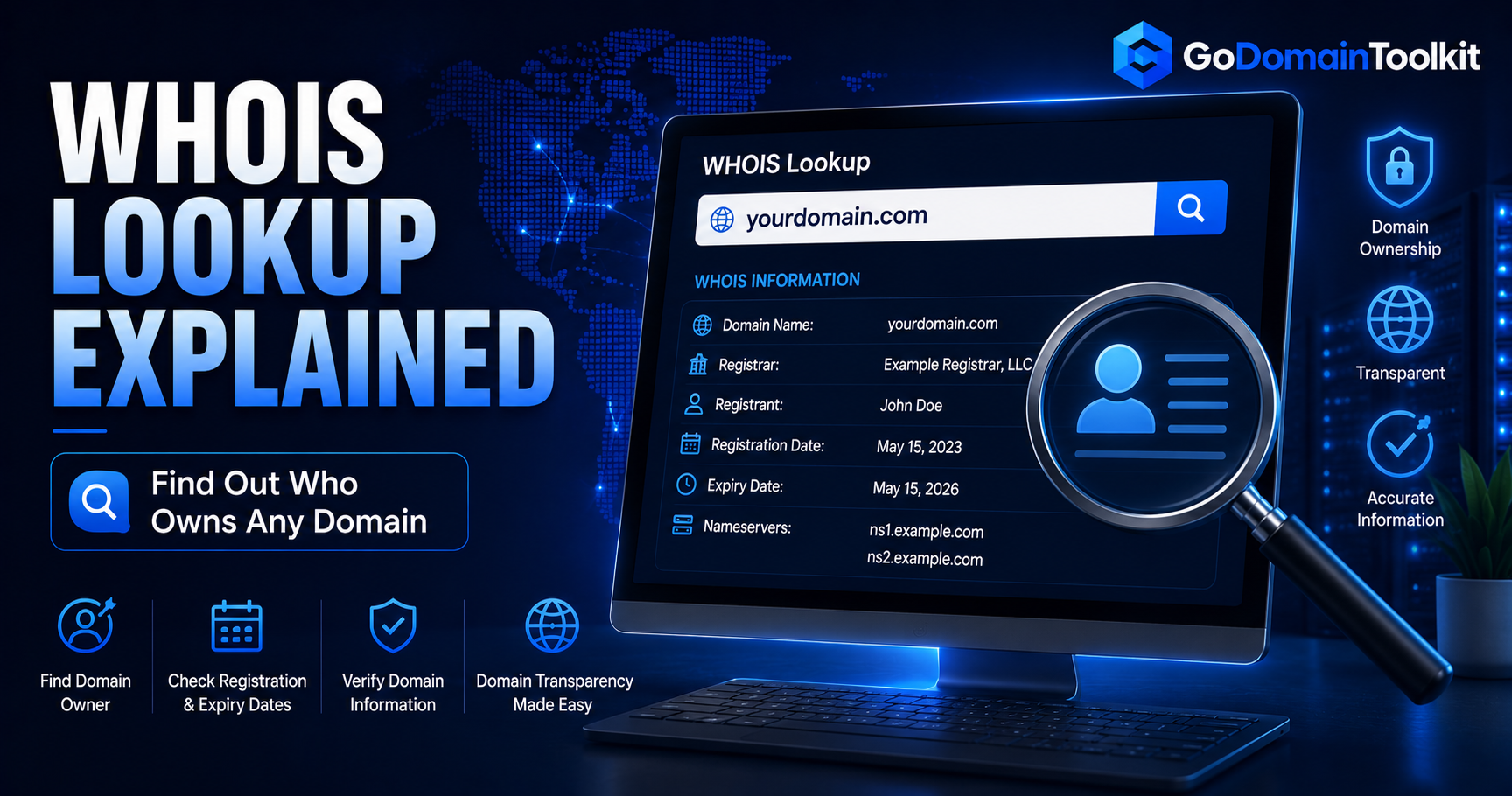
A WHOIS lookup helps you see public registration details about a domain, including registrar, status, nameservers and important dates.
In this guide:
- Simple explanation
- Why it matters for website owners
- Best practices
- Common mistakes to avoid
- Frequently asked questions
Why WHOIS Lookup Explained Matters
Your domain is one of the first assets people see when they discover your brand. It can influence trust, click-through rate, email deliverability, search visibility and how easy it is for people to remember your business. For entrepreneurs, affiliate marketers, bloggers, creators and domain investors, understanding this topic helps you make smarter decisions before spending money.
Many domain problems happen because people register names too quickly. They forget to check ownership history, renewal price, DNS setup, expiry dates, reputation or whether the name is easy to brand. A few minutes of research can prevent headaches later.
How to Use GoDomainToolkit for This
- Use the free domain search tool to check name ideas and extensions.
- Use WHOIS lookup to review registrar, status and important domain dates.
- Use DNS lookup to check records before connecting hosting, email or tracking tools.
- Use IP geolocation and blocklist checks to review technical and reputation signals.
- Save the best names and compare them before registering.
Best Practices
- Choose names that are easy to spell, pronounce and remember.
- Avoid hyphens, confusing numbers and trademark-sensitive words.
- Check registration and renewal costs before buying.
- Use WHOIS privacy when available.
- Turn on domain lock to reduce transfer risk.
- Review DNS settings after changing hosting, email or CDN providers.
Common Mistakes to Avoid
Avoid buying domains only because they look cheap. Some extensions have low first-year pricing but expensive renewals. Also avoid domains with spam history, confusing spelling or names that limit your future growth. If you plan to build a real brand, think about how the name will look on social profiles, email addresses, ads and search results.
Frequently Asked Questions
Is this important for beginners?
Yes. A beginner-friendly domain setup can save time, money and technical confusion later.
Should I check a domain before buying it?
Yes. Check availability, WHOIS details, DNS records, expiry information and reputation before registering or buying a domain.
Can GoDomainToolkit help?
Yes. GoDomainToolkit gives you free domain research tools for search, WHOIS, DNS, IP location, blocklist checks and domain analysis.
Try GoDomainToolkit Free
Use our free tools to search, analyze and manage domains without creating an account.
Access Free Domain Tools →